

AI RECEPTIONIST FOR JUVONNO
Your Juvonno clinic.
Every next step, connected.
Answer patient calls, book the right visit and keep follow-up moving through Juvonno’s API.
 MEDI + Juvonno
PATIENT CALLING
“Could I book a physio follow-up?”
CHECKING JUVONNO
The right practitioner.
The right available time.
JUVONNO UPDATED
Thursday · 11:30 AM · 30 minutes
INCOMING CALLS & APPOINTMENTS
A booking that fits
your clinic’s rules.
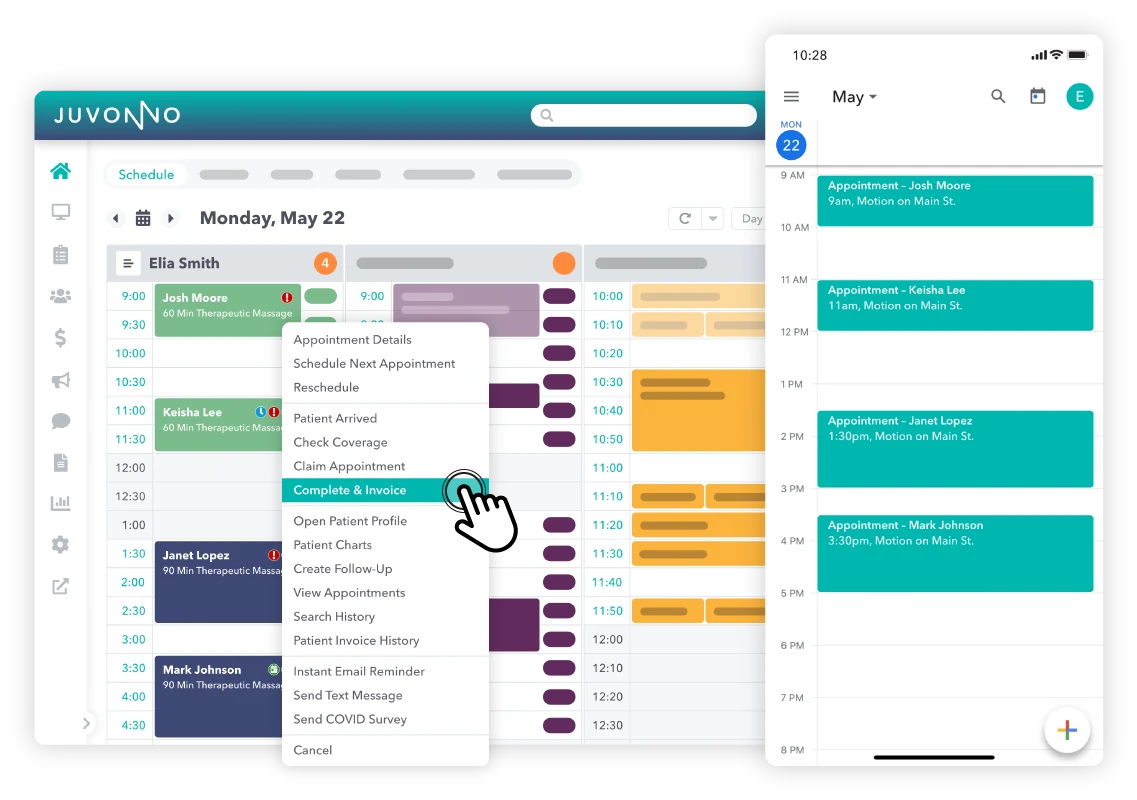
A physio assessment is different from a follow-up. MEDI works with your service types, appointment lengths, practitioners and locations before confirming the next visit.
- Match the service and appointment duration.
- Check connected availability for the right practitioner and branch.
- Book, reschedule or cancel within your approved rules.
Capture appointment requests while your team stays focused on the patients in front of them.
Explore incoming callsPATIENT OUTREACH
Bring patients back.
Keep care moving.
Turn overdue follow-ups, cancellations and recall lists into focused outreach. MEDI calls or texts patients, helps arrange the next visit and routes exceptions to your team.
- Reactivate patients who have fallen out of care.
- Rebook follow-ups and recover available appointment time.
- Send clinic-approved reminders and preparation information.
Create more opportunities for booked visits with fewer manual calls for your front desk.
Explore patient outreachPatient outreachVoicemail → SMSNEW VOICEMAIL
“Is my appointment still on Thursday?”
CONVERSATION COMPLETE
Your team has a clear next step.
SMART VOICEMAIL & PATIENT SMS
A missed call.
A conversation continued.
Start with the calls your team can’t reach. MEDI organises voicemail requests and continues the conversation by SMS, with clear handoffs when a person is needed.
- Turn voicemail into a structured patient request.
- Clarify details and confirm the next step by SMS.
- Share approved instructions and keep your team informed.
A focused starting point that fits alongside your existing reception team.
Explore voicemail & SMSDEVELOPED WITH CLINIC EXPERIENCE
Depth comes from
the day-to-day details.
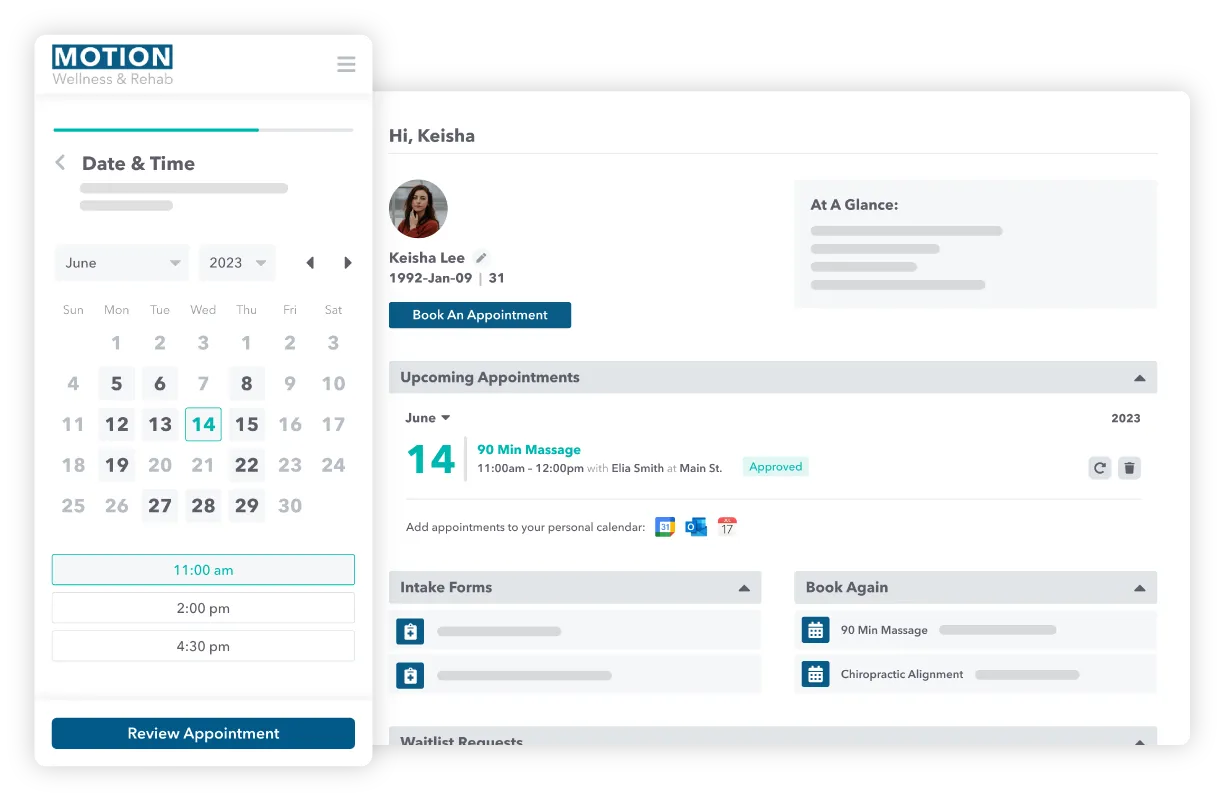
Our team works with Juvonno clinics and collaborates with Juvonno on API issues found in day-to-day use. That hands-on experience shapes how MEDI handles booking rules, record details and exceptions.
Your actual setup
Services, appointment lengths, practitioners and branches mapped before launch.
The full workflow
A patient request, a permitted action and a clear result for your team.
Ongoing collaboration
Issues reproduced with context and shared with Juvonno to improve reliability.
START WITH YOUR PRIORITY
One useful workflow.
Room to grow.
- 01
Bring your workflow
Overflow calls, appointment changes, patient recalls or missed-call follow-up.
- 02
Connect your Juvonno setup
Confirm access, supported actions and your clinic’s booking and handoff rules.
- 03
Test it with your team
Walk through your scenarios before starting the agreed workflow.
MEDI + JUVONNO
Your questions, answered.
Is MEDI integrated with Juvonno?
Yes. MEDI connects through Juvonno’s API and is listed in Juvonno’s integrations directory. We confirm supported workflows and permissions for each clinic before launch.
What appointment details does MEDI work with?
Your clinic’s services, durations, practitioners, branches, available times and permitted booking actions guide the conversation. Requests outside the agreed rules go to your team.
Can MEDI support outreach as well as incoming calls?
Yes. MEDI supports clinic-approved recalls, reactivation, follow-ups and reminders by voice and SMS. The patient list, scheduling actions and record updates are scoped to your Juvonno setup.
Do we have to automate all patient calls?
No. Start with overflow, after-hours calls, voicemail or one outreach workflow. Your reception team can keep handling the conversations you want them to.
Does MEDI make clinical decisions?
Clinical questions and medication advice stay with your care team. MEDI follows approved administrative workflows and preparation information, with staff escalation for exceptions.