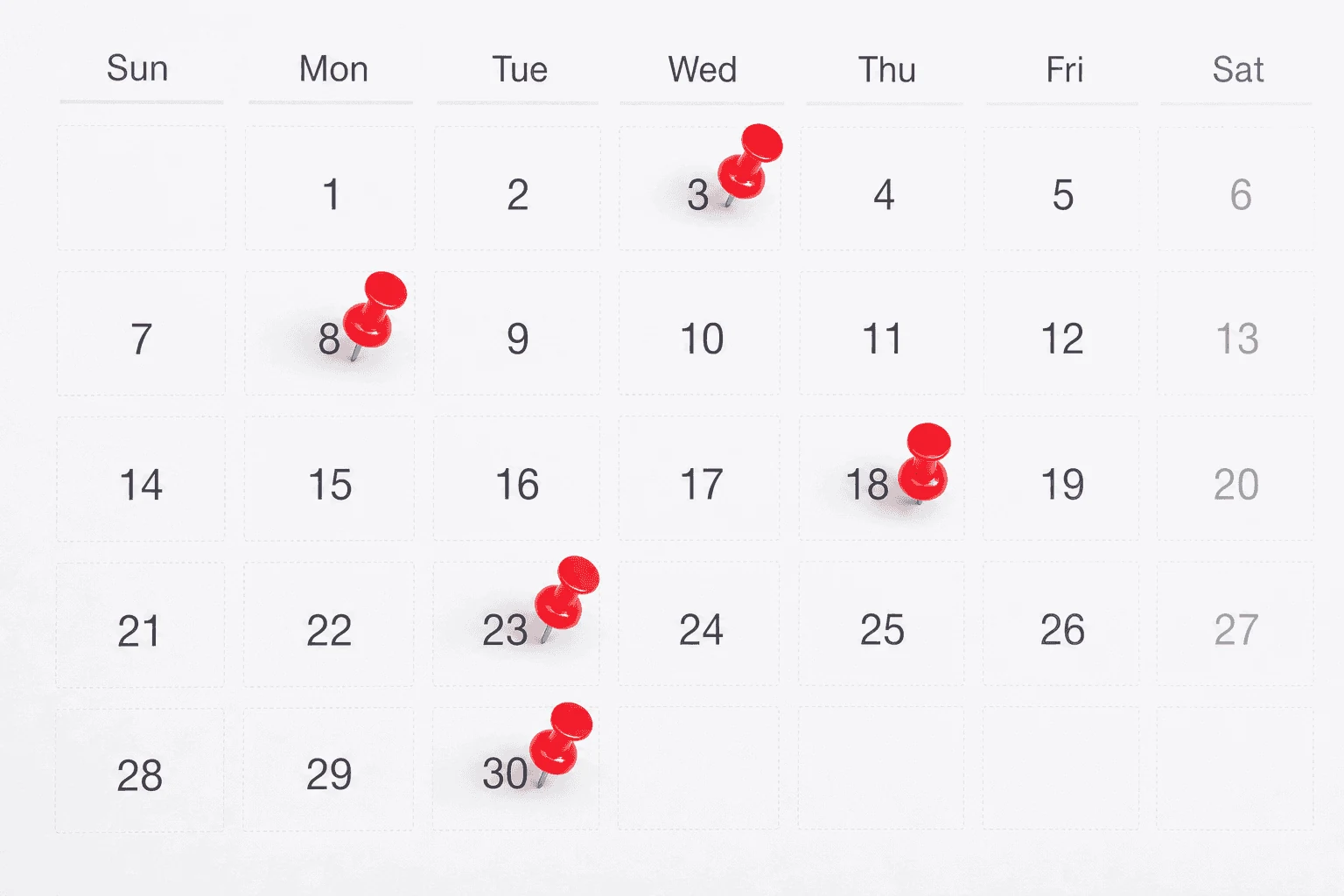
The usual appointment reminder is a one-way message: You have an appointment on Thursday at 10:30.
That message may prevent someone from forgetting. But it does not tell the clinic whether the patient can attend, needs to reschedule, has lost the preparation instructions or does not recognize the number. When the reminder creates a question but offers no useful next step, the work returns to the front desk as a phone call.
The better model is not “send more reminders.” It is to build a reminder workflow that helps each patient make a clear administrative decision, confirm, cancel, reschedule, review instructions or ask for help, and records the outcome for the clinic.
Text and voice play different roles in that workflow. Text is fast, quiet and easy to revisit. A phone call is more accessible for some patients and better suited to a short conversation. Used together, with the same appointment context and clinic rules, they can reach more patients without turning every response into another staff task.
That is the difference between a reminder notification and a medical appointment reminder workflow.
Text reminders are efficient, but efficiency is not resolution
Text works well for the simple path. A patient can read the appointment time, tap a confirmation link, check an address or respond without waiting on hold. The clinic can send the message at a useful time without asking a receptionist to work down a call list.
But a delivered text can still fail operationally.
The number may be a landline.
The patient may not be comfortable responding by text.
The phone may be shared with a family member.
The patient may understand the date but not the preparation instructions.
A rescheduling request may sit in an inbox until the original appointment time has passed.
A generic “reply C to confirm” flow may not know what to do with “I can come, but I need a later time.”
A useful appointment reminder SMS therefore needs more than a send timestamp. It needs a response path, a privacy-safe message, an alternate channel and an explicit definition of what happens next.
Voice reminders reach a different part of the patient population
An automated appointment reminder call can help when the patient uses a landline, prefers to listen, needs the information repeated or has a routine question that a text flow cannot resolve comfortably.
Voice also changes the interaction. Instead of forcing a patient to interpret a short code, the system can ask a plain-language question: “Are you still able to attend your appointment on Thursday morning?” From there, the patient can confirm, say they need a different time or ask where the clinic is located. The voice workflow can repeat approved information, capture the response and either complete the permitted administrative action or create a clear staff handoff.
That does not mean every appointment should receive an extra call. More contact is not automatically better contact.
A 2026 Penn Medicine randomized trial tested targeted interactive voice calls in addition to existing text reminders for 59,994 appointments at elevated risk of a no-show. The added call reduced the no-show rate from 11.3% to 9.6% and increased completed appointments from 75.9% to 77.8% in that specific population. The important word is targeted: the program added voice where it was expected to help, rather than calling every patient simply because the channel was available.
For clinics, the lesson is practical. Text can remain the low-friction default. Voice can serve as a preferred channel, a landline path, an accessibility option or a targeted second step when the appointment still needs a decision.
The advantage is one shared reminder workflow
Many reminder systems list text, email and voice as separate features. The channel list is less important than the state of the appointment after each interaction.
A patient books an appointment and receives an immediate confirmation by their approved channel.
The clinic sends preparation instructions early enough for the patient to act on them.
A text reminder asks the patient to confirm or request a change.
If the appointment remains unresolved, or the patient’s preference or contact information points to voice, the system places an approved reminder call.
The response becomes one of a defined set of outcomes: confirmed, wants to cancel, wants to reschedule, has a routine logistics question, needs a different channel or needs staff.
The appointment status or staff task is written to the clinic’s source system, with failures visible instead of silently ignored.
Text and voice are now two interfaces to the same workflow. The patient does not have to start again when the channel changes, and staff do not have to reconcile two disconnected campaign reports.
This matters when appointment scheduling and reminders share the same clinic rules. A reminder should not offer a rescheduling option the booking system cannot safely complete. If the connected system, permissions or appointment rules do not support a change, the workflow should capture the request and hand it to the right person rather than pretending the appointment moved. For a broader comparison of booking channels, see Appointment Booking in Canadian Clinics.
A reminder should help the patient choose the next step
Patients miss appointments for many reasons. Forgetting is one of them. Transportation, work, caregiving, changing symptoms, cost and uncertainty about what the visit requires can matter too.
That is why a reminder should not sound like a reprimand. It should reduce the effort required to make a responsible next-step decision.
When and where is the appointment?
Is it in person, by phone or virtual?
What should the patient do before arriving?
How can they confirm?
What is the approved cancellation or rescheduling path?
What happens if they have a question the reminder cannot answer?
This is not clinical decision-making. The system should not interpret symptoms, change care plans or persuade a patient to attend despite a health concern. It should make the clinic’s administrative options clear and move clinical, urgent, sensitive or uncertain questions to the approved human path.
The most valuable phone call is often the conversation that follows. A generic reminder platform may only flag a free-text response for staff. A clinic-configured voice workflow can acknowledge the question, avoid offering clinical advice and route it with the appointment context to the correct team. If permitted scheduling rules and system access are available, it may complete a routine change. If not, it should create a staff task with useful context. Automation is useful because it knows its boundary.
Specialty clinics need specialty-specific reminder logic
The information a patient needs before a visit depends on the appointment. A pediatric appointment may require communication with a parent or guardian. A pain procedure can have different preparation and rescheduling rules from a routine follow-up. A sports medicine assessment may require forms or imaging information. A neurology clinic may have referral or appointment-type rules that determine which team owns the response.
The reminder system should therefore use clinic-approved logic for:
appointment type and duration;
provider and location;
patient or caregiver communication preference;
permitted content for text, live call and voicemail;
preparation instructions;
cancellation and rescheduling rules;
questions that can be answered administratively;
urgent, clinical, sensitive and uncertain handoffs.
This is where EMR and practice-management integration matters. The reminder is only trustworthy when its appointment context is current and the outcome reaches the system staff already use.
Privacy and accessibility belong in workflow design
Appointment reminders touch personal information, even when the message seems routine. Clinics need to decide what can appear on a locked-screen preview, what can be left on voicemail and how the system behaves when somebody else answers.
At minimum, the implementation should define:
the purpose and permission basis for the outreach;
the patient’s channel preference and alternate communication needs;
the minimum information needed to recognize the appointment;
opt-out and suppression rules;
wrong-number, shared-device and voicemail behaviour;
language and accessibility options;
retention and audit expectations;
what the system does when delivery or write-back fails.
The goal is not to put the most information into every reminder. It is to give the right patient enough approved information to take the next step safely.
Measure the reminder funnel, not just the send count
A dashboard showing 10,000 sent messages can look impressive while hiding the work that came back to staff.
Clinics should measure the full funnel:
appointments eligible for a reminder;
text and voice attempts;
delivered, answered and patient-reached rates;
confirmed appointments;
cancellation and rescheduling requests;
changes completed automatically;
staff exceptions and time to resolution;
opt-outs, wrong numbers and failed deliveries;
open slots recovered;
no-shows against a comparable baseline.
Segment these results by appointment type, channel and patient preference. The right cadence for a high-value procedure may not be the right cadence for a routine follow-up. A voice escalation may help one group and annoy another.
The clinic’s own controlled baseline matters more than a vendor’s universal percentage.
How TalkToMedi combines text and voice
TalkToMedi approaches reminders as part of the patient-access workflow, not as an isolated campaign. MEDI can use clinic-approved text and voice communication to capture an appointment response, answer supported routine questions, continue into an eligible booking action and route exceptions to staff.
The clinic remains in control of who is contacted, which channel is used, what information is shared and which actions the system may complete. Exact capabilities depend on the connected system and the clinic’s approved rules.
The result we care about is not “message sent.” It is a patient who understands the next step and a front-desk team that can see what happened without starting another round of phone tag.
Map your reminder workflow with TalkToMedi and review the channels, appointment types and exceptions your clinic handles today.
Frequently asked questions
Are voice reminders better than text reminders?
Not universally. Text is efficient and easy to revisit. Voice may be more useful for landlines, accessibility needs, patient preference or a routine question that benefits from conversation. The best choice depends on the patient, appointment and clinic workflow.
Should every patient receive both a text and a phone call?
No. A clinic can use text as a default and add voice based on patient preference, unresolved appointment status, contact type or another approved targeting rule. Measure the impact and opt-out rate rather than assuming more reminders are always better.
Can patients confirm, cancel or reschedule through an automated reminder?
They can provide the response. The system should complete a cancellation or rescheduling action only when the connected record system, permissions and clinic rules support it. Otherwise it should create the approved staff next step.
Can an AI reminder answer patient questions?
It can answer clinic-approved administrative questions, such as location, hours or preparation information that has been explicitly configured. Clinical, urgent, sensitive or uncertain questions should go to the clinic’s human escalation path.
Do appointment reminders eliminate no-shows?
No. Reminders can address forgetting and reduce the friction of confirming or changing an appointment. They cannot remove every transportation, work, caregiving, cost or health barrier. Clinics should measure their own no-show and completion funnel before and after implementation.